
Parimatch Registration, Login and Verification Process
Create your Parimatch account in minutes and access cricket betting, IPL markets, live casino tables, and thousands of slots built for Indian players. Registration opens up three welcome offers: a Live Casino Bonus of 100% up to 50,000 INR, a Sports Bonus of 150% up to 20,000 INR, and a Slots Bonus of 150% up to 1,05,000 INR. Logging into your verified account keeps your funds, bets, and bonuses protected under SSL encryption. The sign-up, login, and KYC process works identically on the website and the Parimatch mobile app, and the support team is available 24/7 if you need assistance at any stage.
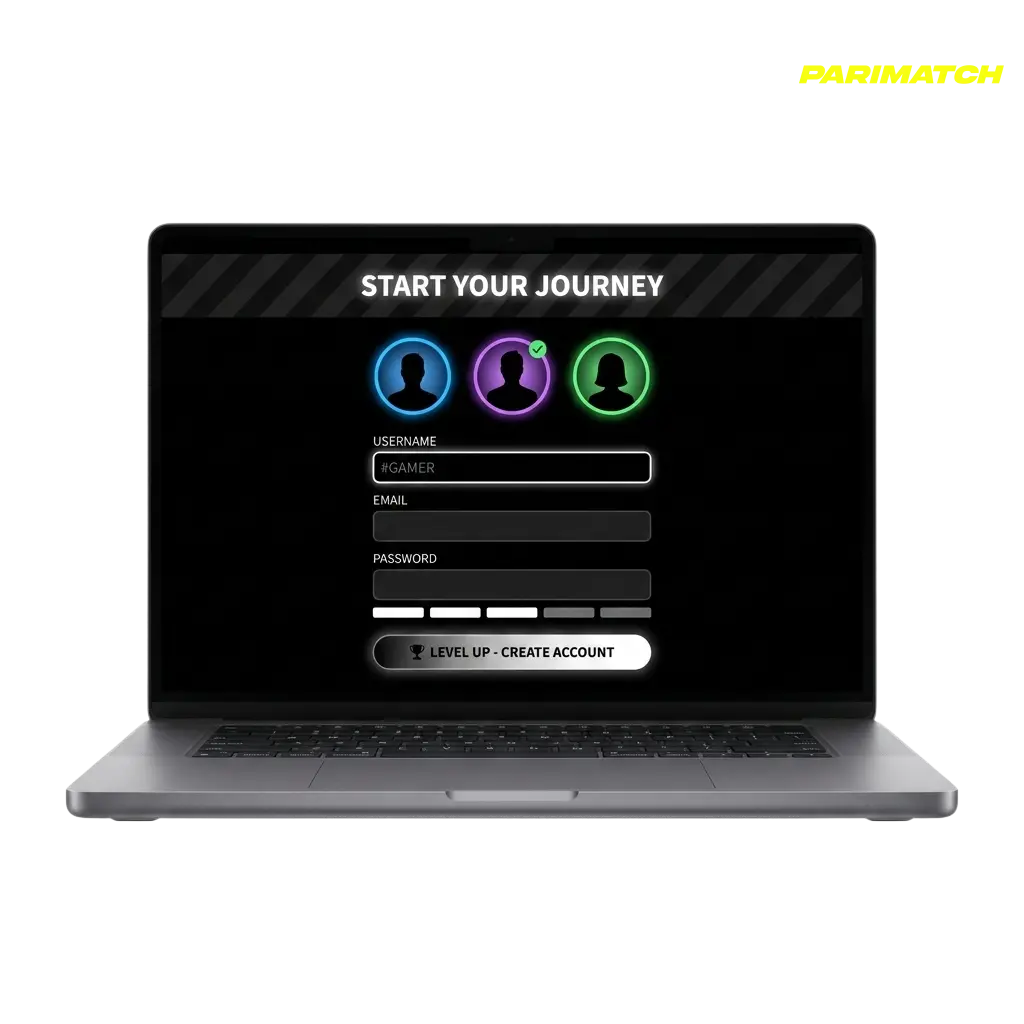
Parimatch Sign Up Instructions
Completing the Parimatch sign-up takes under two minutes. Follow the steps below to create your account and access deposits, bonuses, and betting markets immediately.
Click the Sign Up Button
Tap the “Sign Up” button on this page to open the registration form on the official platform.
Choose Your Registration Method
Select your preferred method: mobile number, email address, or one-click registration. Each path leads to the same full account.
Enter Your Details
Provide your mobile number or email, create a secure password, and select INR as your currency. Confirm you are 18 years of age or older.
Select a Welcome Bonus
Choose one of the three available welcome offers: Live Casino (100% up to 50,000 INR), Sports (150% up to 20,000 INR), or Slots (150% up to 1,05,000 INR).
Confirm Your Account
Verify your mobile number or email via the OTP or confirmation link sent to you. Your account is active immediately after confirmation.
Registration via Mobile App Parimatch
The Parimatch app registration follows the same core steps as the website, with the process optimised for touchscreen navigation on Android and iOS devices. If you have already downloaded the app, follow the steps below to create your account directly from your phone.
- Open the App and Tap Register: Launch the Parimatch app and tap the “Register” button visible on the home screen.
- Choose a Sign-Up Method: Select from phone number, email, or one-click registration. All three methods are available inside the app.
- Fill in Your Personal Details: Enter your name, date of birth, mobile number or email address, and set a password. Select INR as your account currency.
- Pick Your Welcome Bonus: Choose your preferred welcome offer during registration: Sports (150% up to 20,000 INR), Live Casino (100% up to 50,000 INR), or Slots (150% up to 1,05,000 INR).
- Confirm via OTP or Email Link: Enter the OTP sent to your phone or click the link sent to your email. Your account activates instantly after confirmation.
Registration Requirements
Before completing the Parimatch registration, all users must meet a defined set of eligibility criteria. These rules exist to comply with the platform’s licensing obligations and to protect the integrity of every account. Only one account per person is permitted, and all details provided during sign-up must be accurate and match official government-issued documents. Duplicate accounts are subject to permanent suspension without prior warning.
- Age Requirement: You must be at least 18 years of age to register and place real-money bets on the platform.
- One Account Per Person: Each individual is permitted to hold exactly one active account. Multiple accounts linked to the same person, device, or payment method will be closed.
- Accurate Personal Information: Your name, date of birth, and contact details must match the documents you will submit during KYC verification.
- Valid Identity Document: A government-issued ID such as Aadhaar Card, PAN Card, or Passport is required to complete account verification and process withdrawals.
- Geographic Eligibility: You must be located in a jurisdiction where online gambling is not prohibited at the time of registration and play.

Parimatch Account Verification Process
Account verification (KYC) is mandatory on Parimatch before your first withdrawal can be processed. The process confirms your identity, protects your funds from unauthorised access, and ensures compliance with the platform’s anti-money-laundering obligations. Indian players can use Aadhaar Card, PAN Card, or Passport to complete verification.
- Log In and Go to Your Profile: Access your account settings from the top navigation menu and locate the “Verification” or “KYC” section.
- Submit Proof of Identity: Upload a clear photo or scan of a valid government-issued ID such as your Aadhaar Card, PAN Card, or Passport.
- Submit Proof of Address: Provide a document confirming your residential address, such as a utility bill, bank statement, or Aadhaar Card, dated within the last 3 months.
- Submit Proof of Payment Method: Upload a photo or screenshot of the payment method used for your deposit, such as a UPI ID confirmation or e-wallet screenshot.
- Await Confirmation: The verification team reviews submitted documents. Approval is typically confirmed via email once the review is complete.
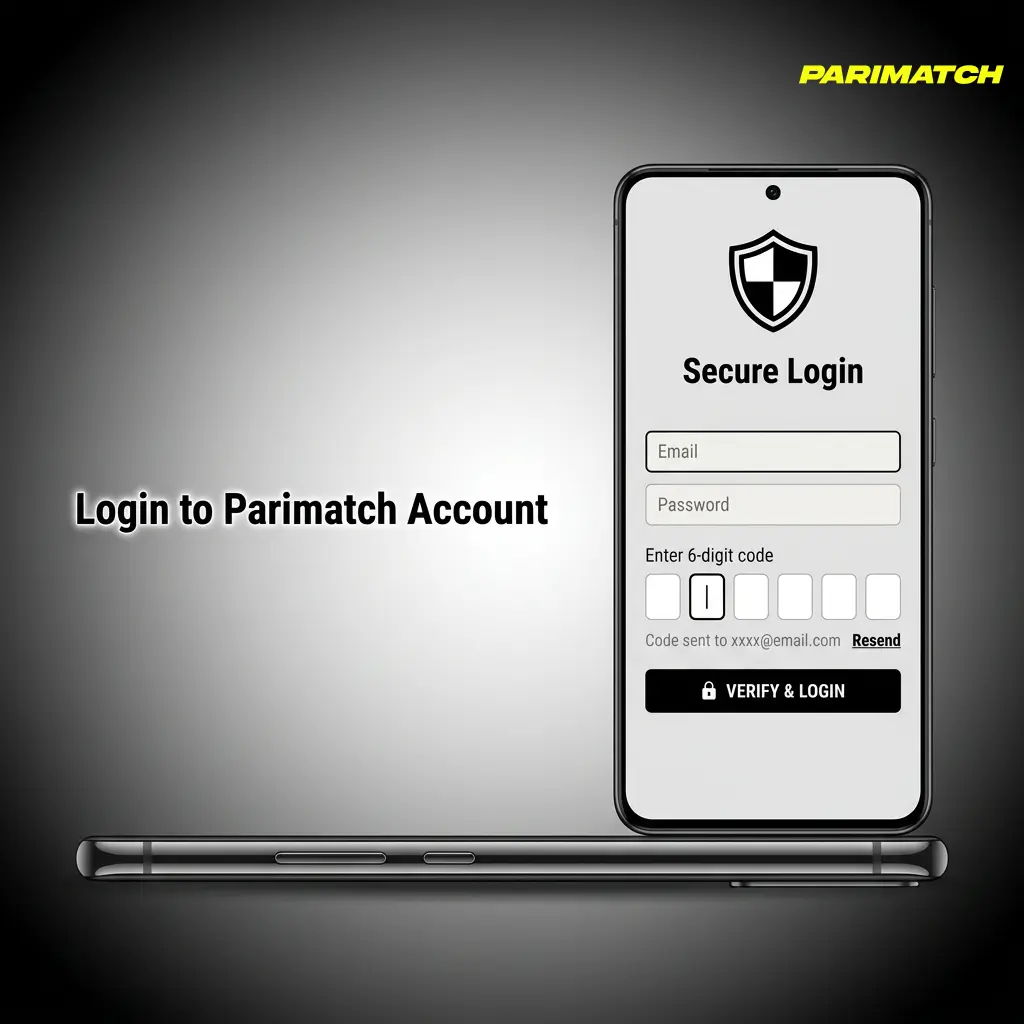
Login to Parimatch Account
Accessing your Parimatch account login takes seconds from both the website and the mobile app. Use the steps below to sign in and return to your active bets, bonuses, and deposit balance.
- Click the Login Button: Tap or click the “Login” button located at the top right corner of this page to open the sign-in form.
- Enter Your Credentials: Input the mobile number or email address you registered with, followed by your account password.
- Complete Two-Factor Authentication (if enabled): If you have 2FA active on your account, enter the OTP sent to your registered mobile number or email.
- Access Your Account Dashboard: Once authenticated, you are directed to your personal dashboard where your balance, active bonuses, and betting history are visible.
Welcome Bonus After Registration
New players on Parimatch can claim one of three welcome bonuses immediately after completing their first deposit. Each offer is tailored to a specific product category, giving you the choice to boost your starting balance in sports betting, live casino, or slots.
| Bonus | Match | Max Amount | Min Deposit |
|---|---|---|---|
| Sports Welcome Bonus | 150% | 20,000 INR | As per current T&Cs |
| Live Casino Welcome Bonus | 100% | 50,000 INR | As per current T&Cs |
| Slots Welcome Bonus | 150% | 1,05,000 INR | As per current T&Cs |
All three bonuses are subject to wagering requirements. Select your preferred offer during the registration process or from the "Bonuses" section of your account dashboard. Only one welcome bonus can be claimed per account. Full terms and conditions apply.

Potential Issues when Registering an Account
Most registration problems on Parimatch have straightforward solutions. The list below covers the most frequent issues reported by users during sign-up, along with the recommended course of action for each.
- Problem: OTP not received during registration. Solution: Check that your mobile number is entered correctly and has an active connection. Request a new OTP after 60 seconds. If the issue persists, contact 24/7 live chat support.
- Problem: Email confirmation link not arriving. Solution: Check your spam or junk folder. Add the Parimatch sender address to your safe list and request a new confirmation email from the registration screen.
- Problem: “Account already exists” error on sign-up. Solution: You may have registered previously with the same phone number or email. Use the “Forgot Password” option to recover access instead of creating a new account.
- Problem: Country or region not available during registration. Solution: Confirm that your current location is eligible to access the platform. Contact support via live chat for clarification on geographic restrictions.
- Problem: Bonus not applied after the first deposit. Solution: Verify that you selected the welcome bonus before completing registration. If the offer was not selected in time, contact support with your account details and deposit confirmation.
Account Password Recovery
Forgetting your password does not mean losing access to your account. The recovery process is available directly from the login screen and takes under three minutes to complete.
- Go to the Login Page: Click the “Login” button on this page and locate the “Forgot Password” link below the password field.
- Enter Your Registered Contact Details: Input the mobile number or email address associated with your account and submit the request.
- Receive Your Reset Code: A password reset link or OTP will be sent to your registered email or phone number. Check your inbox or messages, including the spam folder if using email.
- Set a New Password: Follow the link or enter the OTP to access the password reset form. Create a new password that is at least 8 characters long and includes a mix of letters and numbers.
- Log In with Your New Password: Return to the login screen and sign in using your updated credentials. If you continue to experience access problems, contact the 24/7 support team via live chat.

Delete Your Parimatch Account if Needed
Players who wish to close their account permanently can submit a deletion request through customer support. Account deletion is irreversible, and any remaining bonus balance will be forfeited upon closure.
- Contact Customer Support: Reach the support team via 24/7 live chat or email and state that you wish to permanently delete your account.
- Verify Your Identity: Provide the details linked to your account, including your registered email or phone number and a form of ID, so the support team can confirm ownership.
- Withdraw Remaining Funds: Before the deletion is processed, ensure all verified funds are withdrawn to your preferred payment method. Bonus balances that have not met wagering requirements cannot be withdrawn.
- Confirm the Deletion Request: Once identity is verified and funds are withdrawn, confirm your request to the support agent. The account will be closed and access will be revoked permanently.

FAQ
Can I register on Parimatch using a social media account?
Parimatch does not currently offer direct social media login such as Google or Facebook. You can register using your mobile number, email address, or the one-click option available on the registration form.
How long does KYC verification take on Parimatch?
Document review timelines vary, but most verification requests are processed within 24 to 72 hours after all required documents have been submitted correctly. You will receive an email confirmation once the review is complete.
Which payment methods are accepted for deposits in India?
Indian players can deposit using UPI, Paytm, PhonePe, Net Banking, and cryptocurrency options. All INR deposits are processed without currency conversion fees on the player's side.
Is it possible to have more than one Parimatch account?
No. Each player is permitted exactly one registered account. Duplicate accounts are flagged automatically and subject to permanent closure, including forfeiture of any associated balances.
Can I place bets immediately after registering without completing KYC?
You can deposit and place bets after completing email or phone verification during sign-up. Full KYC documentation is required before your first withdrawal request can be approved.
Updated: